Skip to content

Every event workflow, from accreditation to the door

Accreditation, artist briefings, guestlists, check-in and crew planning usually live in separate sheets, chats and inboxes. Here is how each one works when they all live in one event.

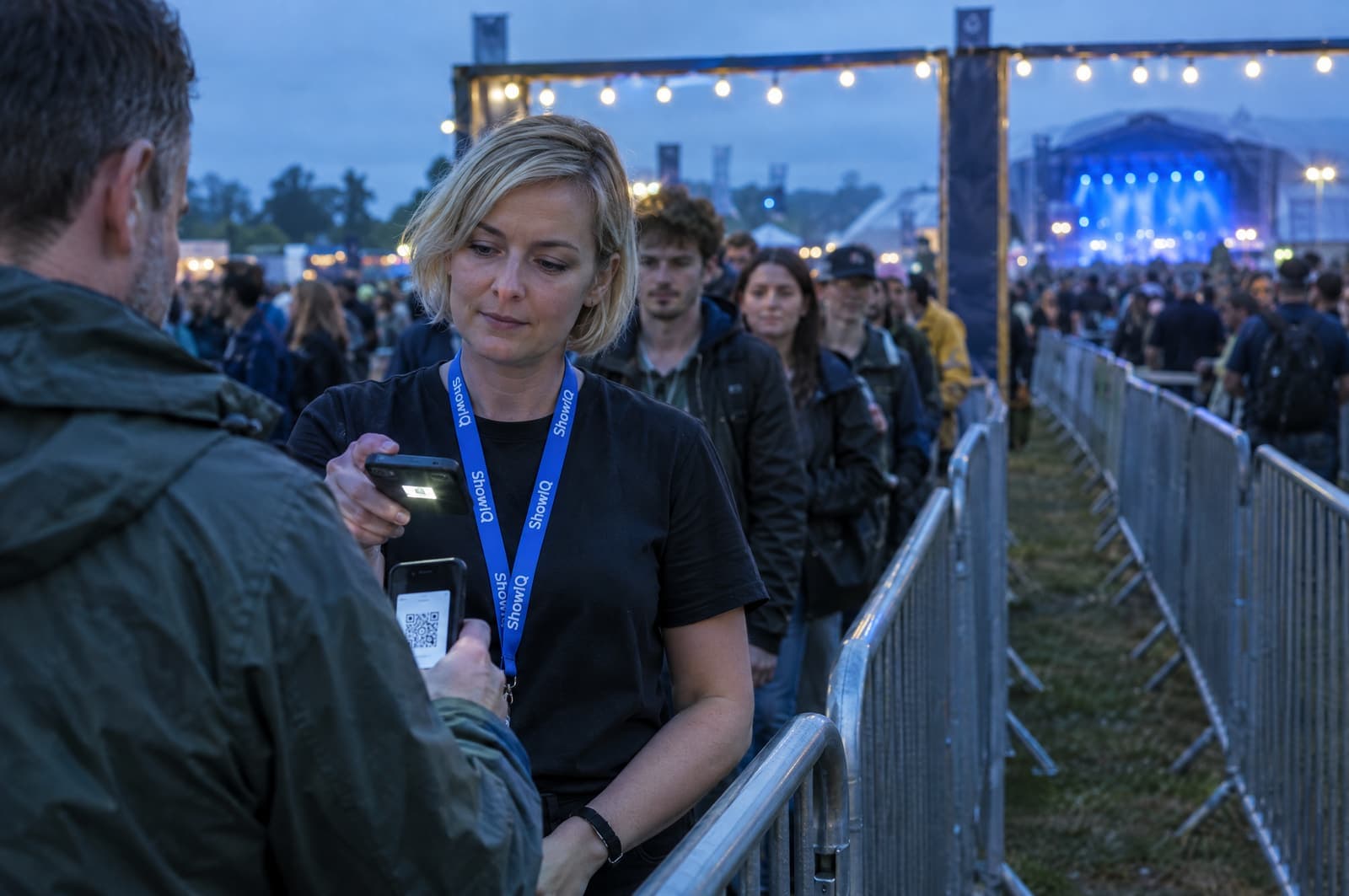
Door staff scanning the QR ticket on a visitor's phone in the entrance lanes of a festival
5 workflows, 1 eventAccreditation · Briefings · Guestlists · Check-in · Crew

How it goes now, and how it goes in ShowIQ.

Each workflow next to the screen in ShowIQ that does it.

Accreditation

Each artist gets a personal link. They fill in who needs access, you approve per person and per day.

Now: Mail every artist a form, chase the replies, retype the names into the sheet and fix the sheet after every change.

Artist briefings

One briefing page per artist that is always current: set times, contacts, parking, guestlist and tickets.

Now: A PDF per artist, re-exported and re-sent every time the schedule, parking or the riders move.

Guestlists

Artists and guests submit through their link. The door sees the approved list per day, live.

Now: Names arrive by WhatsApp, mail and DM. Someone merges them into one list the night before.

Check-in at the door

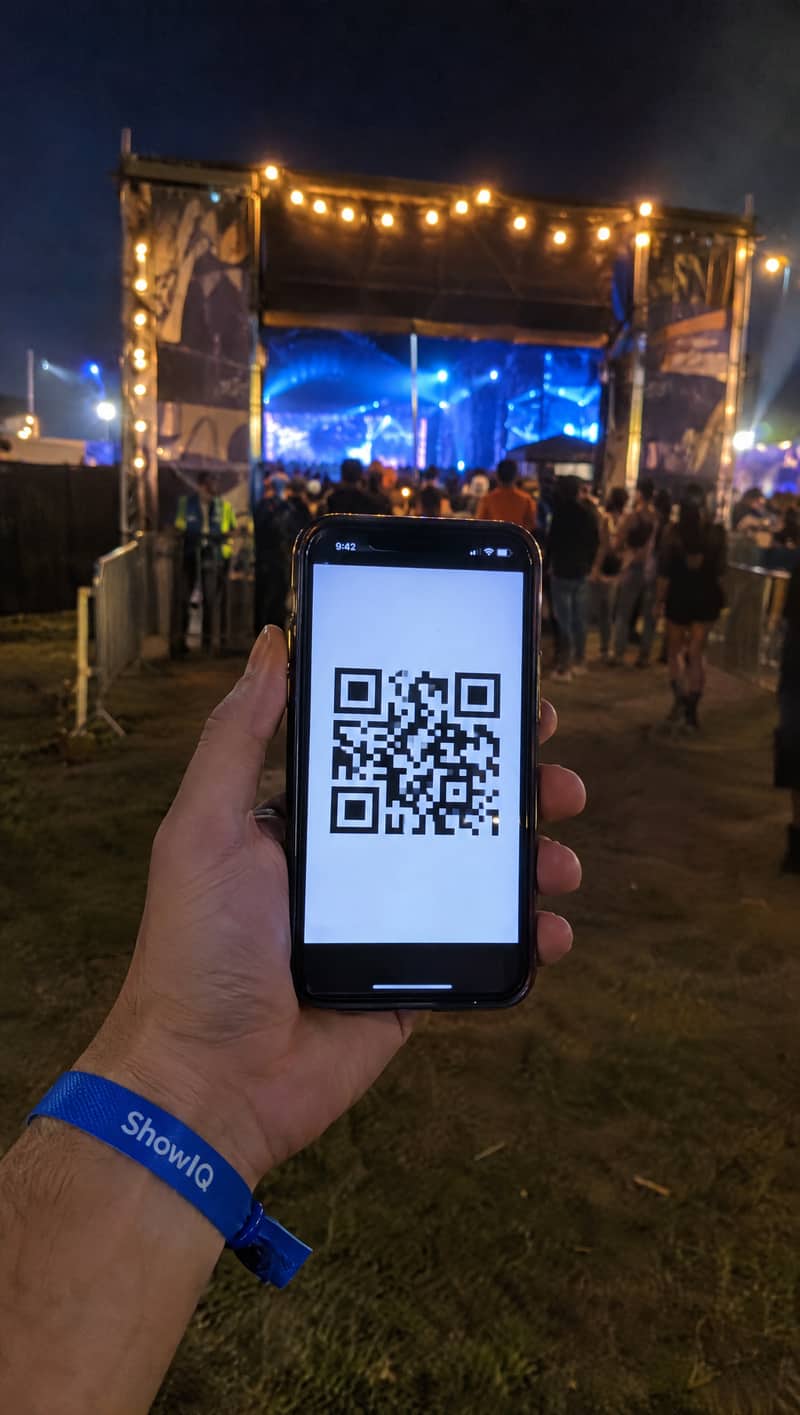
Scan the QR ticket. Approved or not in one second, with the count updating live.

Now: A printed list, a marker and a queue while someone searches for a name.

Crew

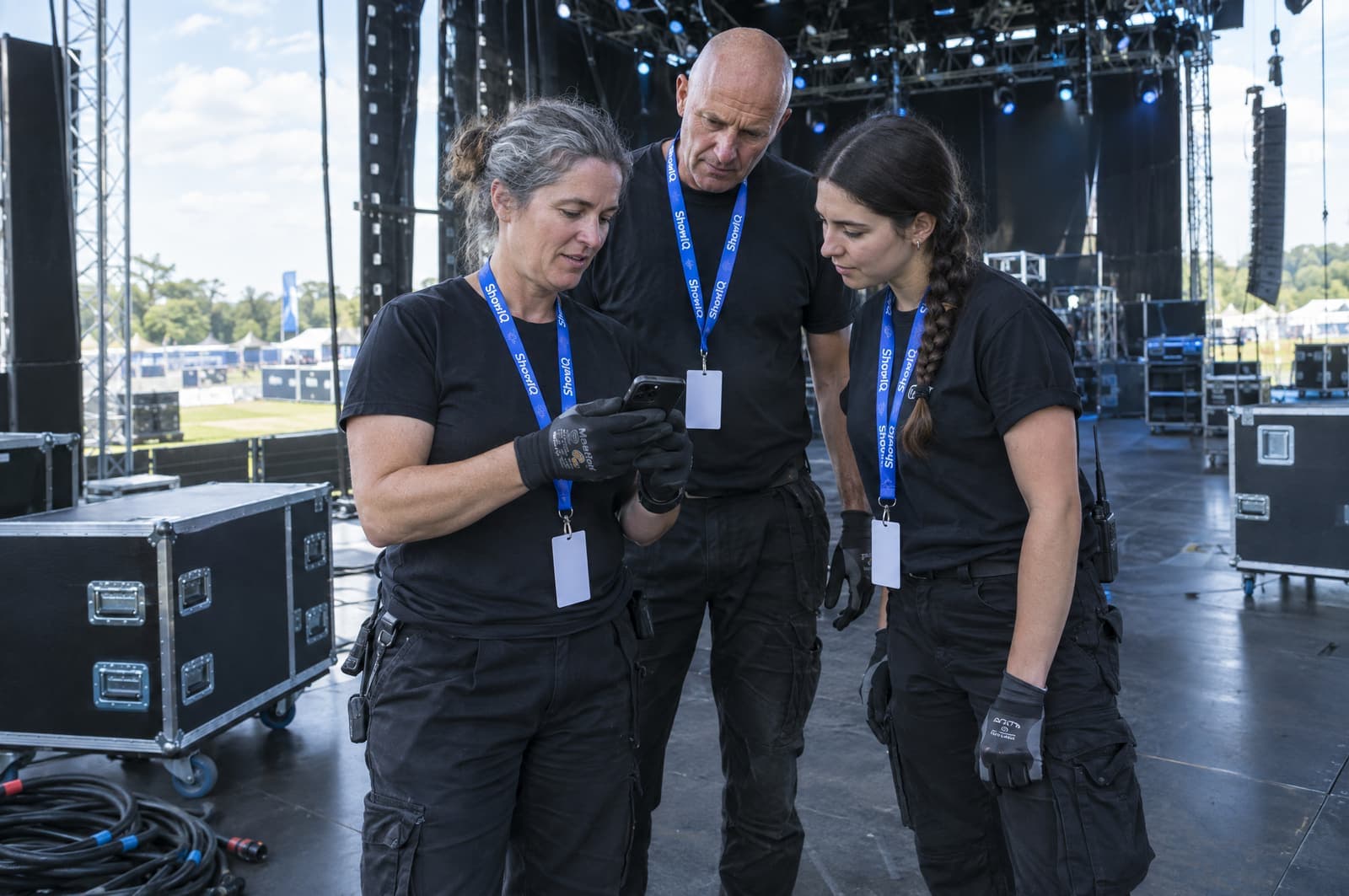
Crew pick their shifts, get a personal briefing page and a QR ticket for their day.

Now: A shift roster in a sheet, availability by phone, and everyone asking "when am I on?".

Everything else a show runs on.

  • Parking passes

    Up to 10 parking types with their own scannable passes and a standard number per type. Artists can hand out their own.

  • Programme and timetable

    Stages, sets, B2Bs and hosts per day, shared with the public as a timetable link.

  • Hand-outs

    Radios, keys and other items with stock per day and serial numbers, ticked out and in on a sheet at the desk.

  • Vendors and crew suppliers

    A portal where vendors fill in materials, accommodation, catering, accreditations and crew, exportable to Excel.

  • Compare events

    Put the numbers of several events side by side.

  • Pre-registration

    A pre-registration page with your own fields, duplicate filtering and a separate stats link.

Stop managing shows in spreadsheets. Run them in ShowIQ.

Bring one upcoming show. We set it up with you and you see the difference on your own accreditation and guestlists.

Admit oneYour next show